
LED screen support
Most LED faults are a card, a cable or a setting. We connect to the computer that runs your screen, find the cause and tell you exactly what to change or swap, often without anyone climbing a ladder.
Ask for support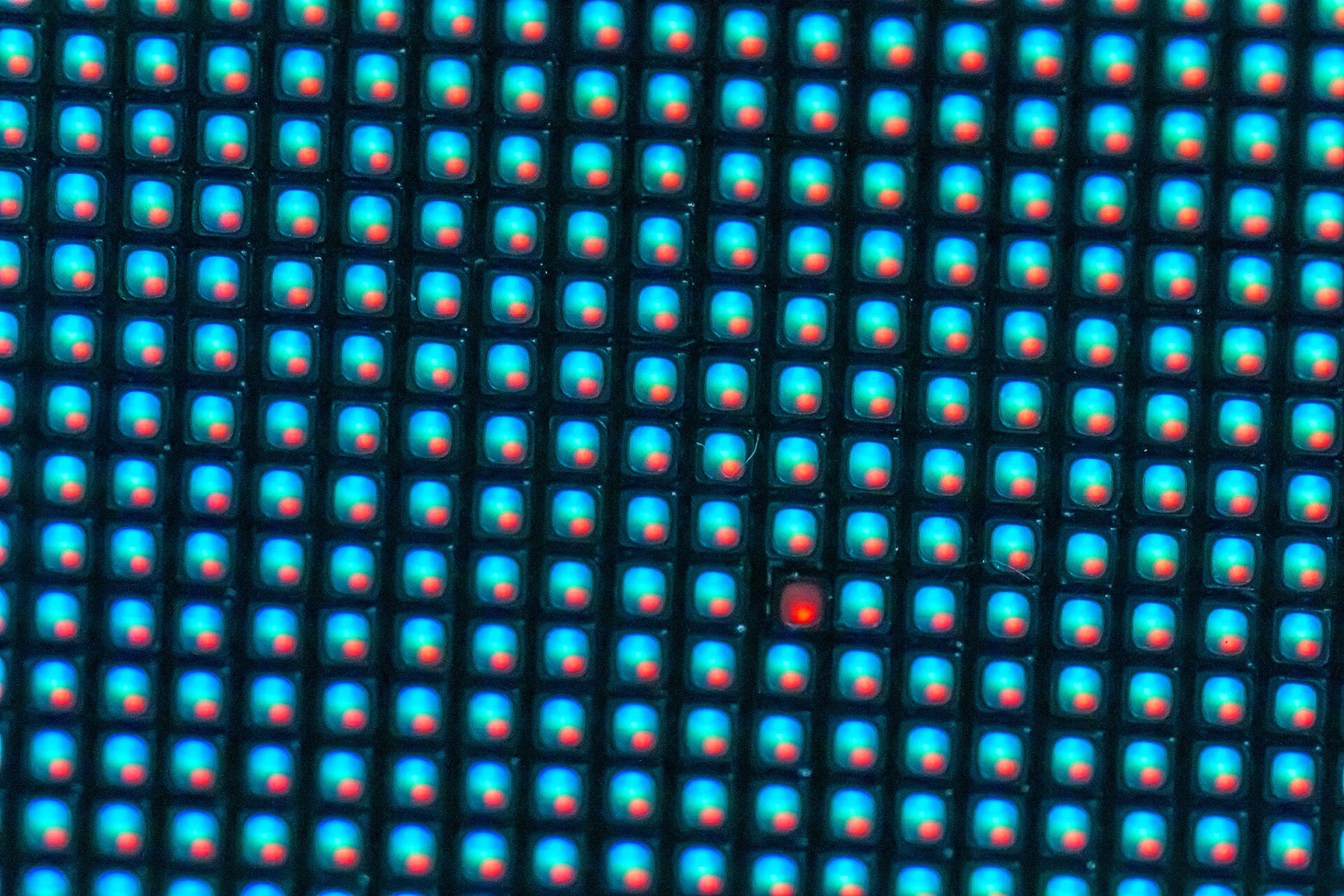
What we do
- Remote support
We find the fault over the internet.
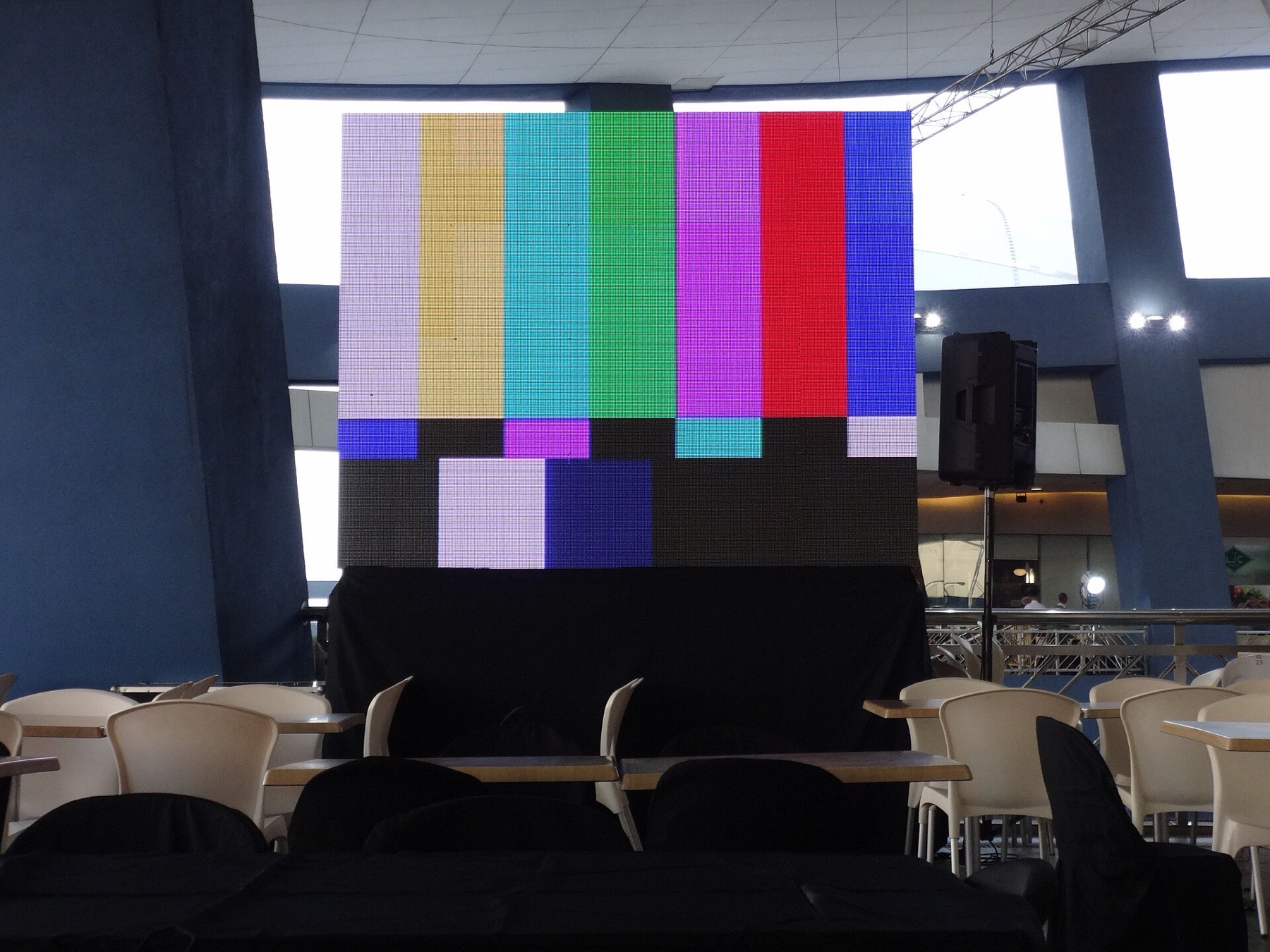
With your permission we connect to the computer that runs your screen and look at what the controller sees: dead modules, lost cards, signal and playback problems. Most faults are traced without anyone climbing a ladder.
- Configuration
Cards, processors and mapping set up properly.
Sending cards, receiving cards and video processors configured and mapped, so the picture lands on the wall the right way round, at the right resolution, with no gaps or doubled rows.
- Calibration
Every cabinet the same colour.
Brightness and colour matched across cabinets and replacement modules, so a new panel does not stand out as a different shade from the ones around it.
- Content and scaling
Your picture, the right size for the wall.
LED walls rarely have standard resolutions. We tell you the exact pixel size to design for and set up scaling so slides, video and live feeds fill the wall cleanly.
- Commissioning help
Help on the day it goes up.
Remote or on-site help while your installer builds the wall: checking power and data runs, loading the configuration and signing the screen off once every pixel works.
- Spares
The right module, matched to your batch.
Replacement modules, power supplies and receiving cards sourced from the factory and matched to your screen, so repairs fit and look the same.
Before we connect
Have these ready and the first call is usually enough to find the problem.
- The make of the screen, or a photo of the label on the back of a cabinet
- The name of the control software on the computer that drives it
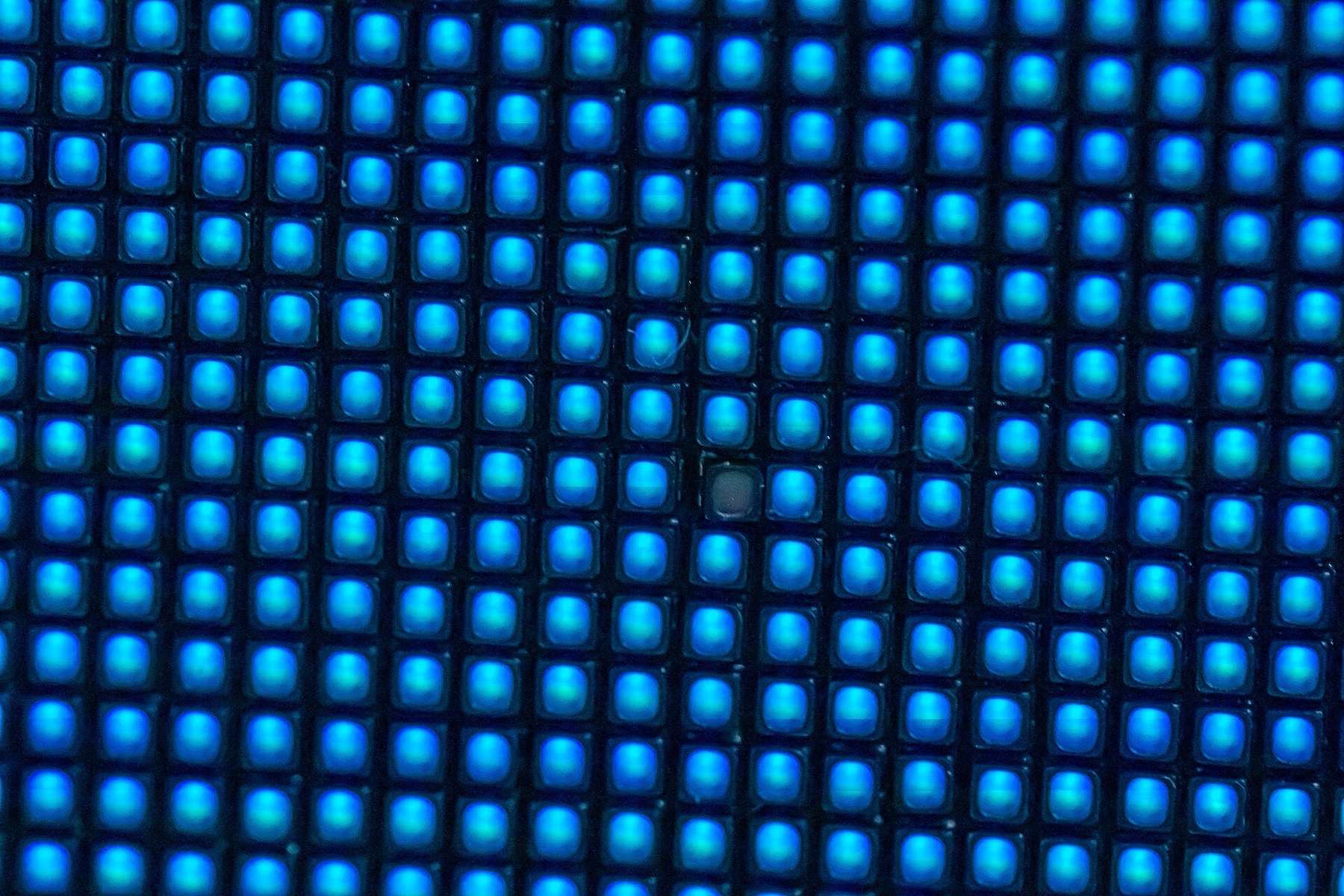
- A photo of the fault, close enough to see the pixels
- Someone near the screen while we are connected
Write to hello@chromaspectrumled.com or use the contact form.